cart and checkout design issue
-
Hey! I have a very basic question but for some reason I haven't figured it out myself. I would like to edit (design-wise) several parts of the woo-commerce connected website. Where do I access and edit parts such as "cart" and "check-out process" (font style changes, color edits, compositional edits). I've had zero problems figuring out the projects/portfolio stuff, but for some reason, designing cart/checkout seems to be a bit trickier? Can I also do this in the gridder? Is there an old post i could refer to, or a video? I found a post that refers to this link https://laytheme.com/documentation/shop-setup.html#preparation
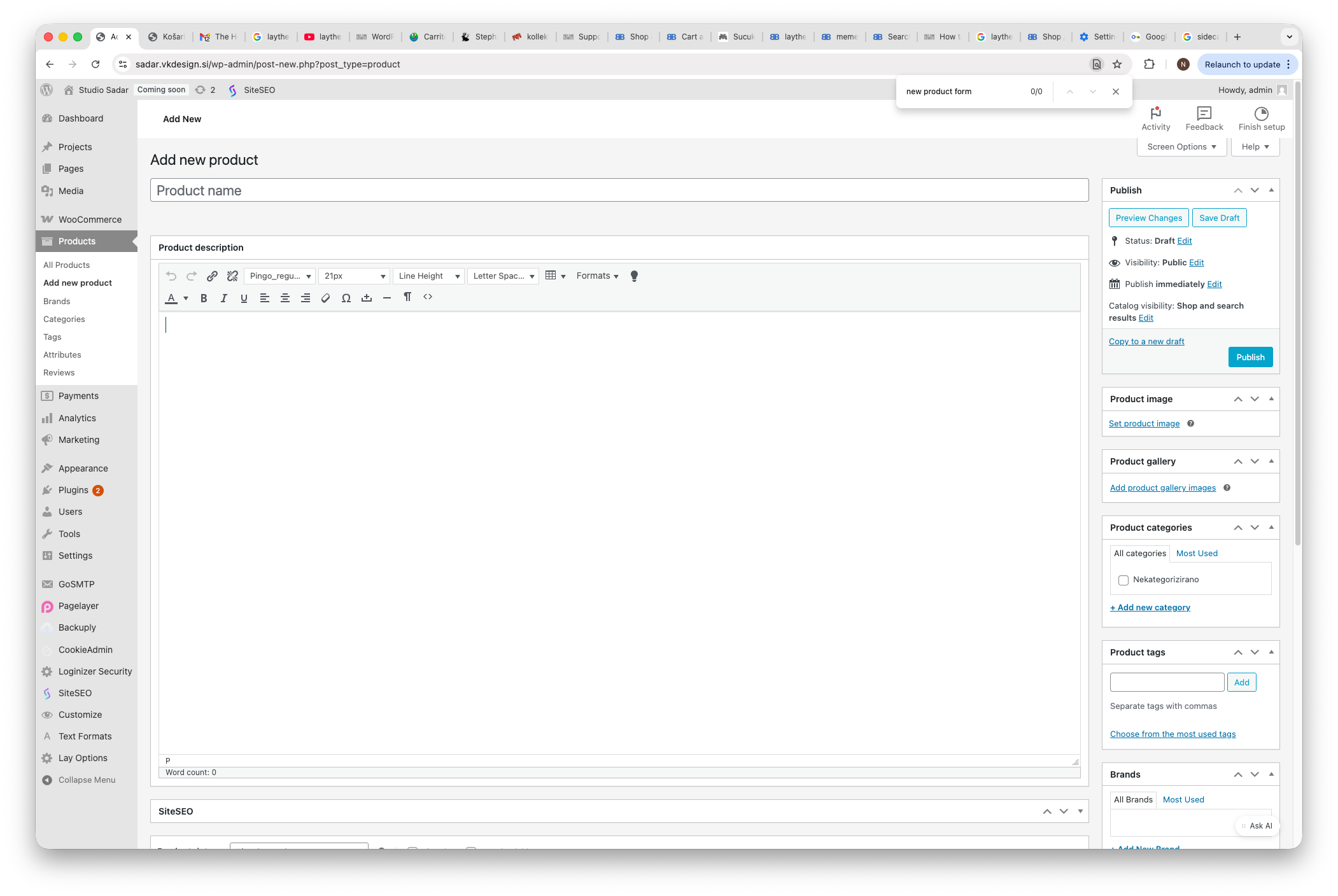
but I stopped at the end of the 2nd step since I dont see those 3 dots (to "turn off new product form"). See screenshot.  image url)
Thanks for your help!
I also code custom websites or custom Lay features.
💿 Email me here: 💿
info@laytheme.com
Our Web Development company: 100k.studio
Want to tip me? https://www.paypal.com/paypalme/arminunruh
Before you post:
- When using a WordPress Cache plugin, disable it or clear your cache.
- Update Lay Theme and all Lay Theme Addons
- Disable all Plugins
- Go to Lay Options → Custom CSS & HTML, click "Turn Off All Custom Code", click "Save Changes"
This often solves issues you might run into
When you post:
- Post a link to where the problem is
- Does the problem happen on Chrome, Firefox, Safari or iPhone or Android?
- If the problem is difficult to explain, post screenshots / link to a video to explain it